Frequently Asked Questions
1. What are Branded Video Templates?
Branded Video Templates are professionally designed video templates that make it easier to create consistent, polished social media content. Each template gives you a ready-made structure that you can personalize with your own images, logo, business name, colors, contact information, and message.
2. Do I have to create a video from scratch?
No. That’s the advantage of a template. The basic video structure has already been created for you. You simply add your own content and branding to make it yours.
3. Do I have to appear on camera?
No. Branded Video Templates can be created using your photos, graphics, text, narration, music, or other content. There is no need to film yourself.
4. Do I need video editing experience?
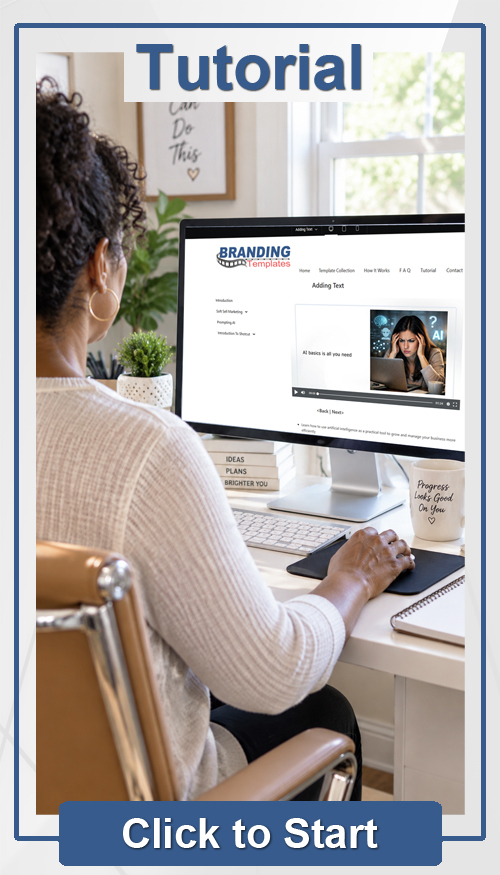
No. The templates are designed to simplify the process. You can use the free Shotcut video editor and follow the instructions to add your own content.
5. What do I need to personalize a template?
Typically, you’ll need:
Your business name
Your logo, if available
Your contact information
Your website or social media information
Your own photos, graphics, or video clips
The message you want to communicate
6. Can I use my own photos and videos?
Absolutely. That’s one of the main purposes of Branded Video Templates. Using your own photos and videos allows you to showcase your actual business, products, services, customers, or work.
7. What makes these templates different from ordinary video templates?
Branded Video Templates are designed with your branding in mind. Rather than creating a different-looking video every time you post, you can use a consistent visual format that helps your content look like it belongs to your business.
8. What types of businesses can use Branded Video Templates?
They’re suitable for almost any business or organization that uses social media, including:
Small businesses
Contractors and home-service companies
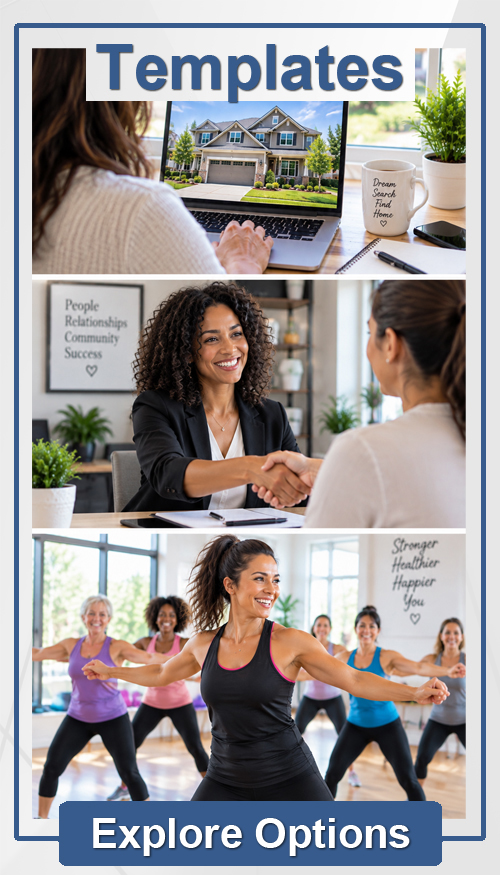
Real estate professionals
Restaurants and retail businesses
Freelancers and independent professionals
Content creators
Musicians and entertainers
Health and wellness businesses
Nonprofit organizations
Churches and community organizations
9. Where can I use my finished videos?
Your finished videos can be used on most platforms where you share visual content, including:
Facebook
Instagram
LinkedIn
YouTube
TikTok
Your website
Email
Text messages
Digital presentations
10. What size are the templates?
Templates are designed for common social media formats. Depending on the collection, you may find horizontal, vertical, 3:4, or square formats.
11. Can I use the same template more than once?
Yes. That’s one of the biggest benefits. Once you have customized a template, you can reuse the same basic design to create multiple posts while maintaining a consistent look.
12. Can I change the wording?
Yes. The template provides the structure, but you control the message. You can replace the text with information about your business, products, services, promotions, or anything else you want to communicate.
13. Can I add my logo and business information?
Yes. Adding your logo, business name, website, phone number, or other contact information helps turn the template into branded content for your business.
14. Can I use my own colors?
Yes. Where the template allows customization, you can incorporate your business colors and other brand elements to make your content more recognizable.
15. What if I don’t have professional photos?
That’s okay. You can use your own photos, create graphics with AI, or use appropriate royalty-free images. The goal is to make the finished video represent your business.
16. Can I create different types of posts with the same template?
Yes. A single template can often be adapted for different purposes, such as:
Business introductions
Product or service promotions
Tips and information
Special offers
Customer testimonials
Announcements
Seasonal messages
Educational content
Inspirational messages
17. Do I have to use the template exactly as provided?
No. The template gives you a starting point. You can personalize the available elements to fit your message and your brand.
18. Can I use the templates for my business?
Yes. The templates are intended to help you create branded content for your business or organization. Your finished videos can be used in your own marketing and social media.
19. Will Branded Video Templates make my content look more professional?
The templates are designed to give your content a polished, consistent starting point. Your choice of images, wording, branding, and other content will determine the final appearance.
20. How do I get started?
Choose a Branded Video Template that fits your needs, download it, and add your own content and branding. Once completed, you’ll have a reusable video format you can use to create additional posts while keeping your social media content consistent with your brand.